🔹 Introduction
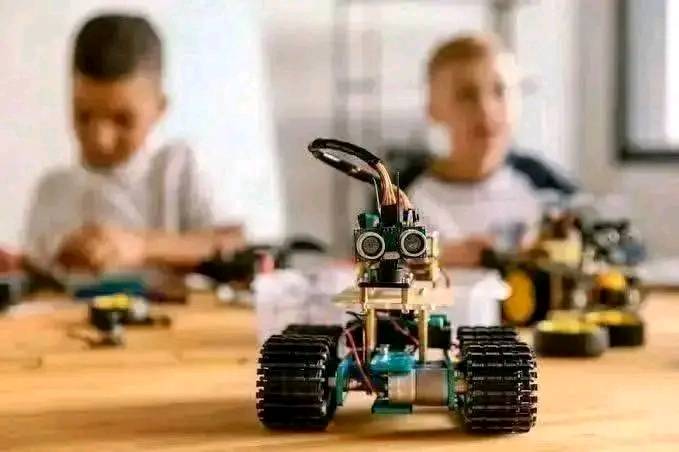
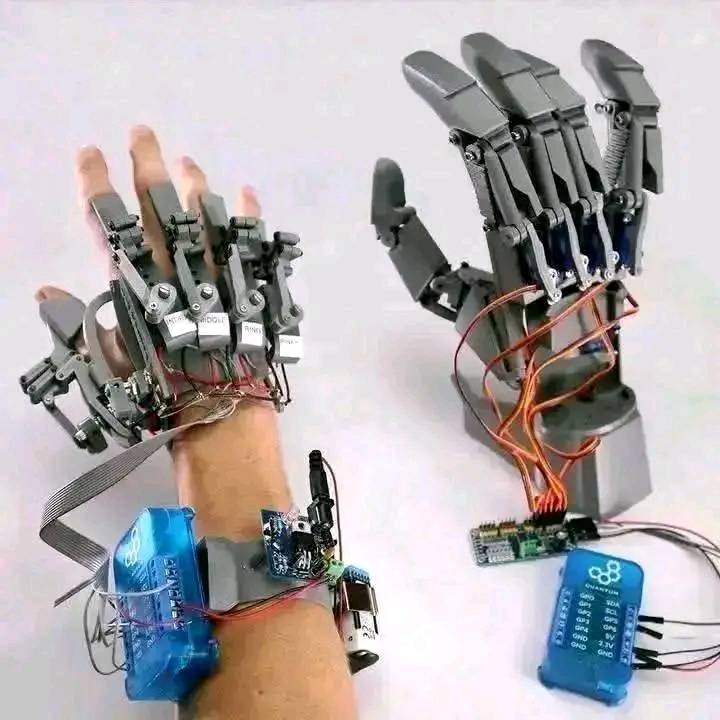
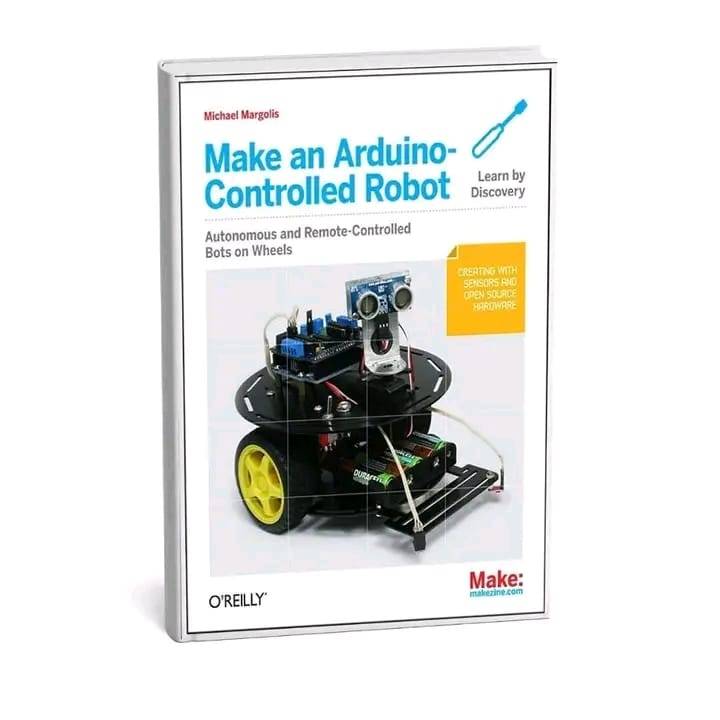
Robotics is no longer just for engineers or scientists — with affordable tools like Raspberry Pi and Arduino, anyone can start building intelligent robots at home. These platforms make it easy to learn the fundamentals of electronics, coding, and artificial intelligence (AI) in a fun and practical way.
If you’ve ever dreamed of creating a robot that can move, see, or think — this beginner’s guide is for you.
🔹 Why Use Raspberry Pi and Arduino Together?
Raspberry Pi and Arduino are two of the most popular microcontrollers used in robotics, and they work beautifully together:
- 🧠 Raspberry Pi handles complex tasks — like image processing, decision-making, and running Python scripts.
- ⚙️ Arduino controls motors, sensors, and real-time movements with precision.
By combining both, you can create robots that are both smart and responsive.
🔹 Using Python for Robotics
Python is the perfect programming language for robotics beginners. It’s easy to learn, yet powerful enough for advanced applications like machine vision and automation.
With Python, you can:
- Control Arduino from Raspberry Pi via serial communication
- Process data from sensors and cameras
- Automate robot movements based on logic and conditions
For example, using the pySerial library, you can send commands from Raspberry Pi to Arduino to make your robot move forward, stop, or turn.
🔹 Introducing OpenCV for Computer Vision
OpenCV (Open Source Computer Vision Library) allows your robot to “see.”
It helps your Raspberry Pi process camera input, recognize objects, track colors, and even detect faces.
Example applications include:
- Line-following robots using camera vision
- Object detection robots that follow a specific color or shape
- Face recognition robots for smart security or interaction
A simple project could involve using a Raspberry Pi camera and OpenCV to detect a red ball, then sending signals to Arduino to follow it.
🔹 Example Project: Line-Following Robot
Here’s what you’ll need:
- Arduino Uno
- Raspberry Pi 4
- L298N motor driver
- IR sensors or camera module
- DC motors and wheels
Steps:
- Use Arduino to control the motor driver.
- Use Raspberry Pi with Python and OpenCV to detect the line or path.
- Send movement commands from Pi to Arduino.
- Watch your robot follow the line intelligently!
This project teaches the basics of motion control, sensor integration, and AI-based navigation.
🔹 Tools and Components You’ll Need
To get started, you’ll need:
- Raspberry Pi (Model 3 or 4 recommended)
- Arduino Uno or Nano
- Breadboard and jumper wires
- Camera module or USB webcam
- Motor driver and DC motors
- Battery pack and chassis kit
You can find most of these components in our [TECMIFY Robotics Starter Kit Collection] (replace with your shop link).
🔹 Conclusion
Learning robotics through Raspberry Pi, Arduino, Python, and OpenCV is one of the most exciting ways to enter the world of AI and automation.
These tools give you hands-on experience in programming, electronics, and vision systems — the foundations of future technologies like self-driving cars and drones.
Start small, learn step by step, and soon, you’ll be creating robots that can see, move, and think on their own.